
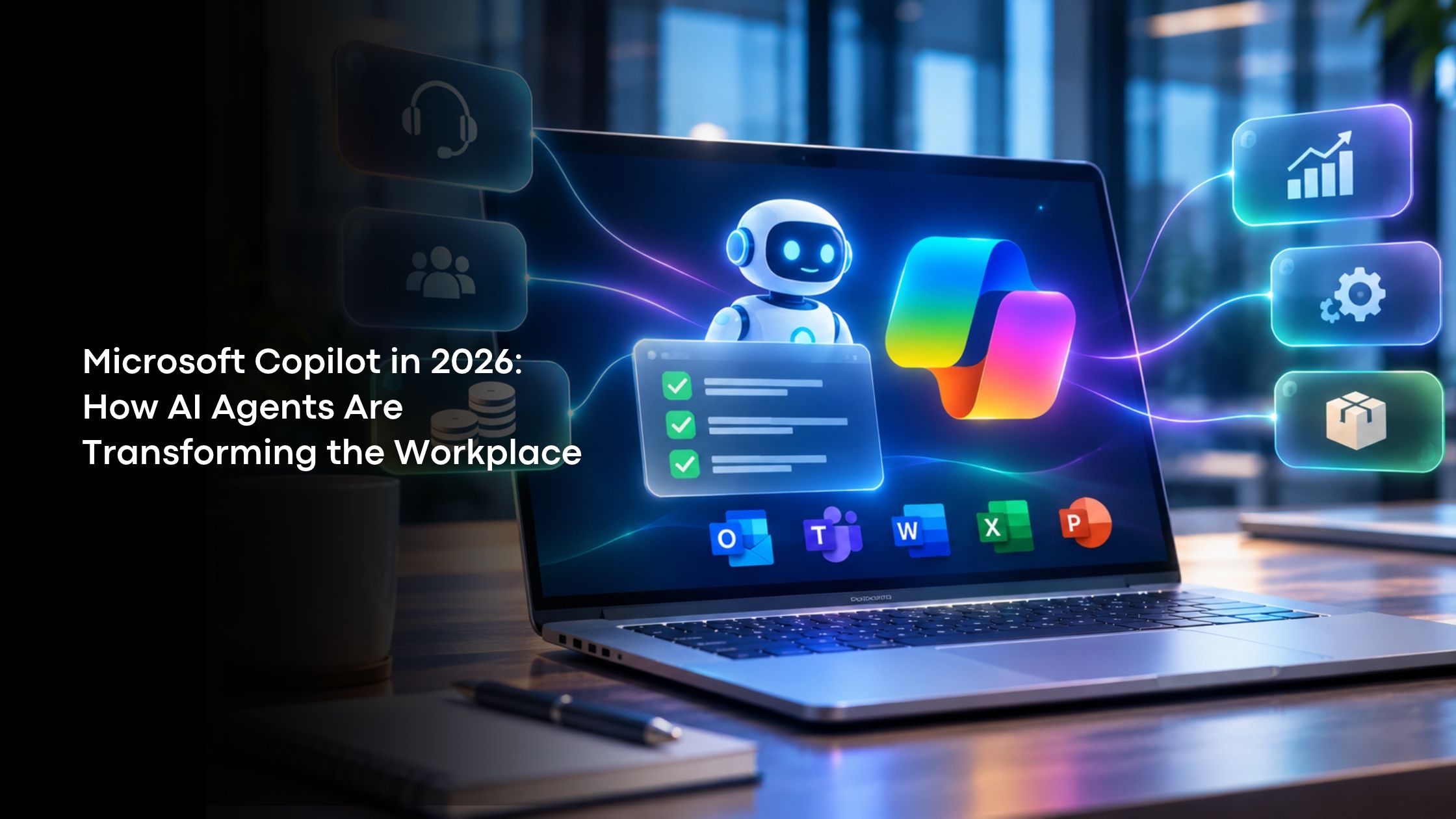
The nature of work is changing from having software perform a task to setting up an objective for a system and having it execute the process. Microsoft Copilot in 2026 shows the shift from prompt-based assistance to connecting and autonomously executing processes across day-to-day business applications.
Intelligent agents can understand the context, coordinate tasks, keep track of occurrences and deliver the outcome as employees concentrate on decision making activities. The importance of such changes is apparent in finance, IT, retail, healthcare, manufacturing, banking, and many other industries, where performance is directly linked to speed and consistency.
From Assistant to Active Digital Worker
The major change in 2026 is the move from conversational support to goal-oriented execution. The Microsoft Copilot can be used for multi-step processes rather than being limited to answering the initial query. The agent can understand the task, gather appropriate data, use business logic, initiate actions, and inform about the results.
- Prompt-based assistance: An employee poses a question and gets relevant information or generated content.
- Agent execution: An employee sets up an objective and the system performs required actions.
- Governed automation: The administrators set up permissions and controls.
The Intelligence Stack
The Microsoft 365 Copilot experience connects several layers that give agents context and operational ability. Microsoft applications offer the environment, whereas Microsoft Graph offers the organizational context, documentation, conversations, access levels, and deadlines. Large language models help with interpretation, reasoning, task decomposition, and content generation.
Copilot Studio offers the customization layer in which users can define the purpose of the agent, link the knowledge together, configure the actions, connect the APIs, and define the business rules.
Department-Level Use Cases
The strongest opportunities appear in repetitive processes where employees spend time searching, checking, updating, summarizing, and coordinating.
- Sales: Monitor pipeline hygiene, identify stalled opportunities, prepare account briefs, and update records from meeting information.
- Customer Service: Manage queues, check for SLA breaches, compose replies and escalate issues based on predefining rules.
- Finance: Collect closing data, analyze costs, categorize vendor queries and detect budget differences.
- HR: Help recruit, answer policy queries, record acknowledgments and look for late items.
- IT: Manage service requests, detect incident patterns, analyze access processes, and perform predefining resolutions.
- Operations: Monitor inventory triggers, defer notifications from vendors, acquire dependencies, and handle intradepartmental actions.
This set of workflows helps to cut down coordination efforts and provides more time for employees to analyze situations.
Proactive Monitoring
Traditional automation often starts after a person or scheduled rule triggers it. AI agents can support continuous monitoring. The identified agent would monitor for stalling transactions, late approvals, high ticket volumes, missing information, or delayed supplies before initiating an approved response.
This forms a more reactive operational structure. Teams can receive signals closer to emerging issues, while recurring reviews can be assembled automatically.
Context and Data Quality
Useful automation depends on relevant context. Microsoft Graph and connected enterprise sources can provide authorized access to documents, conversations, organizational relationships, and business information. That context helps the system interpret tasks in organizational context.
Data quality becomes a practical requirement. Incomplete CRM records, outdated SharePoint content, inconsistent naming, or unclear ownership can weaken outcomes. Information governance should therefore be part of the agent project.
Building a Governed Agent
A successful implementation starts with one measurable problem. Teams document the workflow, sources, actions, and required approvals.
- The goal: Pick a process for which you have concrete metrics of volume, cost, delay, or service levels.
- Knowledge Mapping: Map the locations from where you can access your knowledge using SharePoint, OneDrive, databases, and official applications.
- Actions: Connect all your Power Automate flows, APIs and corporate applications.
- Control: Include permissions, escalations, validation, and approval.
- Testing and Monitoring: Analyze the completion rate, errors, usage and escalations prior to scaling out.
The above process will allow you to manage your enterprise AI easily because each implementation will have its own scope.
Security and Responsible Deployment
Agent autonomy makes access controls critical. An agent should operate only within permissions and connectors appropriate to its role. Management requires ownership, responsibility, sensitivity controls, and contingencies.
- The Copilot Control System will be able to provide management capabilities for agent metadata, permissions, analysis, and usage. Responsible implementation should entail:
- Least privilege on connected systems.
- Authoritative knowledge sources and controlled connectors.
- Human review for high-impact or irreversible decisions.
- Regular monitoring for unexpected behaviour or excessive consumption.
- Employee guidance explaining agent capabilities and limitations.
Governance should grow alongside the agent portfolio rather than being treated as a one-time approval.
Measuring Business Value
Assertions on productivity must be tied to measures that connect with the operations, where performance benchmarks are compared against performance.
- Saved time: The measure of hours saved through automation, coordination, and follow-up activities.
- Cycle time: The measure of speed at which tasks are completed in the process.
- Quality: Measures of error, omission and rework.
- Service: Measures of response time, SLA and escalation.
- Adoption: Measures users and task completions.
- Cost: Cost savings or capacity without resorting to headcount reduction.
A robust business case needs to begin with a narrow workflow, a baseline and measurable improvements.
The Direction of Modern Work
The broader direction is toward workplace automation combining natural language interaction, connected data, governed actions, and continuous monitoring. Microsoft Copilot fits into this transition as organizations move beyond isolated productivity features and begin coordinating specialized digital workers.
The most valuable Microsoft Copilot deployments will not automate every decision. Automatable activities include those that are structured, repetitive and observable in nature, whereas the human being still has control of decisions and judgment, exceptional situations, relationships and strategy formulation.
Summing Up
AI-driven work is moving toward systems that can understand context, coordinate tasks, and act inside defined boundaries. Organizations that adopt this change in a strategic manner will have more efficient processes without losing control to humans.
Every implementation process should be based on data quality, data governance, security and results measurements. SIRA Consulting Inc. provides organizations with digital transformation through Digital Transformation Services, Data Engineering, Analytics, AI Solutions for Payment Engineering, Staff Augmentation, and Managed Services.
Organizations can work with SIRA Consulting Inc. to evaluate their potential, build a technology base, and develop AI skills with the help of Microsoft Copilot which will transform their workplace into tangible business success.