
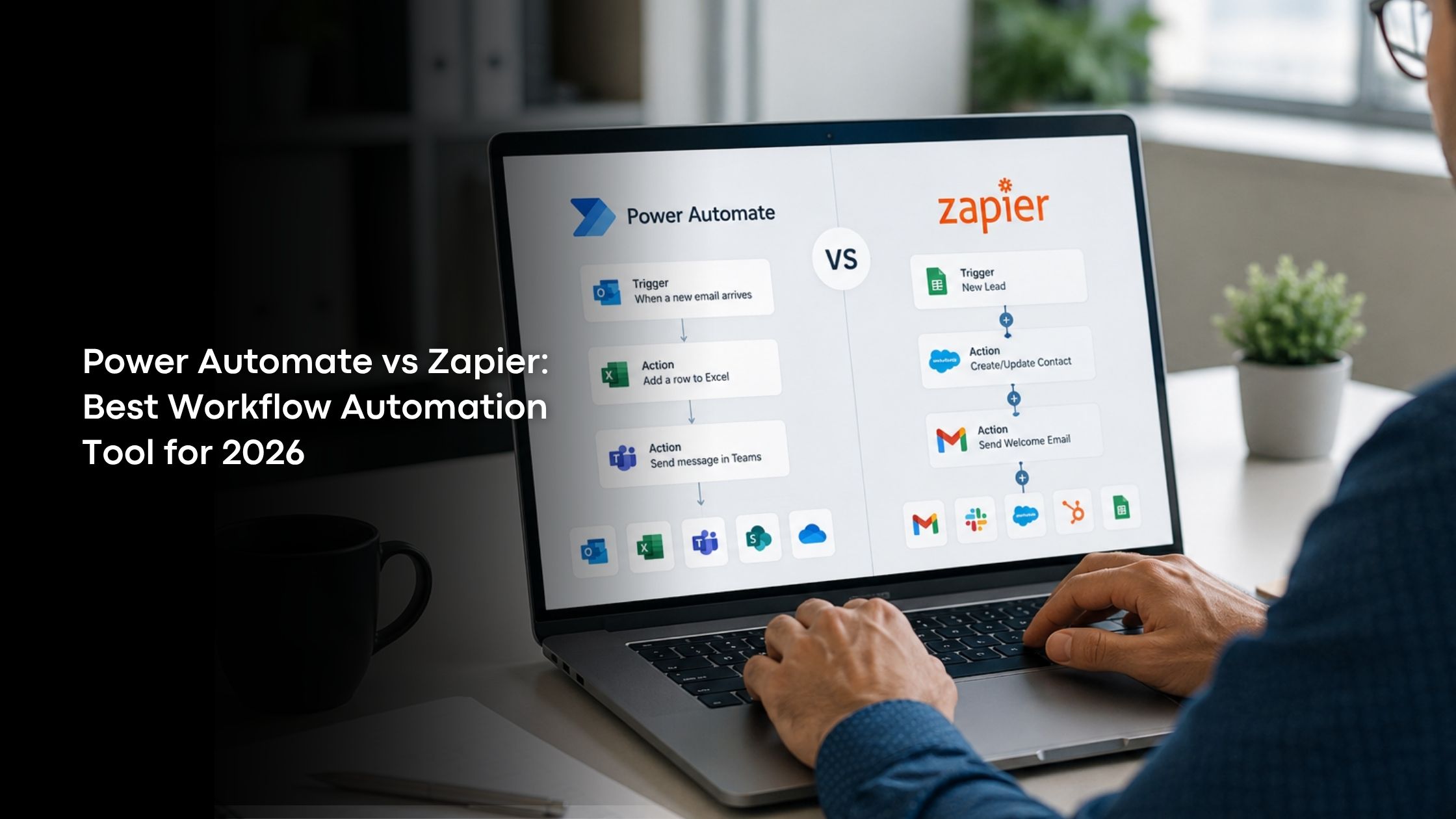
Manual work is getting reduced every day. Technology is giving birth to new things, and automating human work is one of them. This is being called workflow automation. There are several workflow automation tools to help businesses avoid manual tasks.
Two of such tools are Power Automate and Zapier. Keep reading to know more about them and how both of these tools differ from each other.
What is Power Automate?
Power Automate is a workflow automation tool. It is Microsoft’s platform and is usually referred to as Microsoft Power Automate. It is a low-code automation tool used within the Microsoft ecosystem. It was originally named Microsoft Flow, and now it has been changed to Power Automate.
It allows users to automate tasks across Microsoft 365 apps. This also includes enterprise software, cloud services and desktop applications. You can create automated workflows between apps and services like:
- Outlook
- Teams
- Excel
- Dynamics 365
- Azure
It works with the help of Artificial Intelligence (AI) and Robotic Process Automation (RPA). Because of this, the automation process has become easier and effective.
What is Zapier?
Are you worried that you don’t have coding knowledge to use workflow automation tools? Never worry! You got Zapier. It is a no-code automation platform, and its workflows are called Zaps. This helps in connecting thousands of apps that you already use and allows them to talk to each other.
With the help of AI and natural language automation building, you can create smarter workflows without any coding knowledge. At the same time, the details are updated in all integrated platforms through automatic syncing.
When you trigger an action, Zapier automatically takes the next steps and ends with completing that action. This can be done in a few minutes with its seamless integration systems.
Power Automate vs Zapier: Key Differences
Now that you know about Power Automate and Zapier, you need to know how Power Automate vs Zapier differ. So, keep reading.
Ease of Use
When we consider the usage perspective, Zapier can win. This is because it is user-friendly and it doesn’t need prior knowledge of coding. Thanks to its no code automation feature, you can automate your tasks with simple steps.
On the other hand, Power Automate uses a low-code approach to automate your tasks. Even though some tasks might run on a no-code level, Power Automate still needs coding knowledge.
As a result, Zapier can be used by beginners, and Power Automate can be used by technical teams to automate their work.
Integrations and App Ecosystem
In general, Zapier can connect with more than 8,000 apps. It can also work well with third-party integrations. If your business is using too many SaaS tools, then you can choose Zapier to integrate without any issues.
On the contrary, Power Automate can integrate with Microsoft apps. It means it can’t work well when the app is something other than Microsoft’s products. The integration might feel less seamless, too.
Therefore, you can prefer Zapier for SaaS-heavy businesses. It doesn’t mean Power Automate is not up to the level. It works well if your app integration is within Microsoft.
AI and Automation Features
In the Power Automate vs Zapier comparison, AI and automation work in a very parallel manner. Both of these business productivity tools use AI and automation features to complete their work.
In this way, it is clear that Microsoft has contributed a lot to AI automation. Power Automate now includes:
- AI Builder
- Document processing
- Task mining
- Process mining
- AI-powered approvals
- Microsoft Copilot
Similarly, Zapier focuses on AI-powered workflow simplicity. Its features include:
- AI Agents
- AI Chatbots
- AI workflow generation
- AI integrations with OpenAI and Claude
- Automated data transformation
Robotic Process Automation (RPA)
Used in digital systems, this Robotic Process Automation (RPA) uses software robots to do manual tasks. Since Zapier integrations are cloud-based workflows, it doesn’t use RPA for its tasks.
But, in contrast, Power Automate relies heavily on RPA. This means businesses can automate tasks inside:
- Legacy desktop applications
- Windows systems
- ERP software
- Non API environments
There are two types of RPA. They are attended and unattended RPA. Attended RPA means it works alongside human actions. But unattended RPA means the workflows are operated in the background on servers without human interactions.
Enterprise Security and Governance
As business process automation tools, both Power Automate and Zapier are built with strong security and governance features. But when you compare their level of security, Power Automate has even greater security and enterprise governance.
This is because Power Automate is integrated with Azure Active Directory, Microsoft security stack and enterprise compliance tools. These features make it preferable for businesses across all sectors.
On the other hand, Zapier’s security level is stronger but simpler. It follows SOC 2 compliance and provides encryption in transit. It is useful for small to medium businesses, startups and agile teams that need quicker integration with other apps.
Which Automation Tool is Best in 2026?
Both Power Automate and Zapier are good tools. Naming the best automation tool among them is based on your needs and expectations. Let’s check how you can decide which tool will suit your business and requirements:
Choose Power Automate if:
- Your company runs on Microsoft 365
- You need desktop RPA
- You want to automate enterprise processes
- You need advanced governance and compliance
- You work with legacy software systems
Choose Zapier if:
- You use many third-party SaaS apps
- You want a quick setup without IT involvement
- You need beginner-friendly automation
- You want a fast AI workflow deployment
- Your team needs flexibility and easy usage features
Wrapping Up
The choice between Power Automate and Zapier is always dependent on your business needs. Before choosing the tool, be ready with a proper analysis of what your business wants to achieve from those tools. When you are clear with that, then selecting the tool and implementing it becomes very much easier.
If you are confused about picking one tool, Sira Consulting Inc. is there to suggest the right option! Get your needs discussed and understood to find what works best for you.